How to Fix ChatGPT Network Error in 2026 – Quick Troubleshooting Guide
1. Understand the Problem
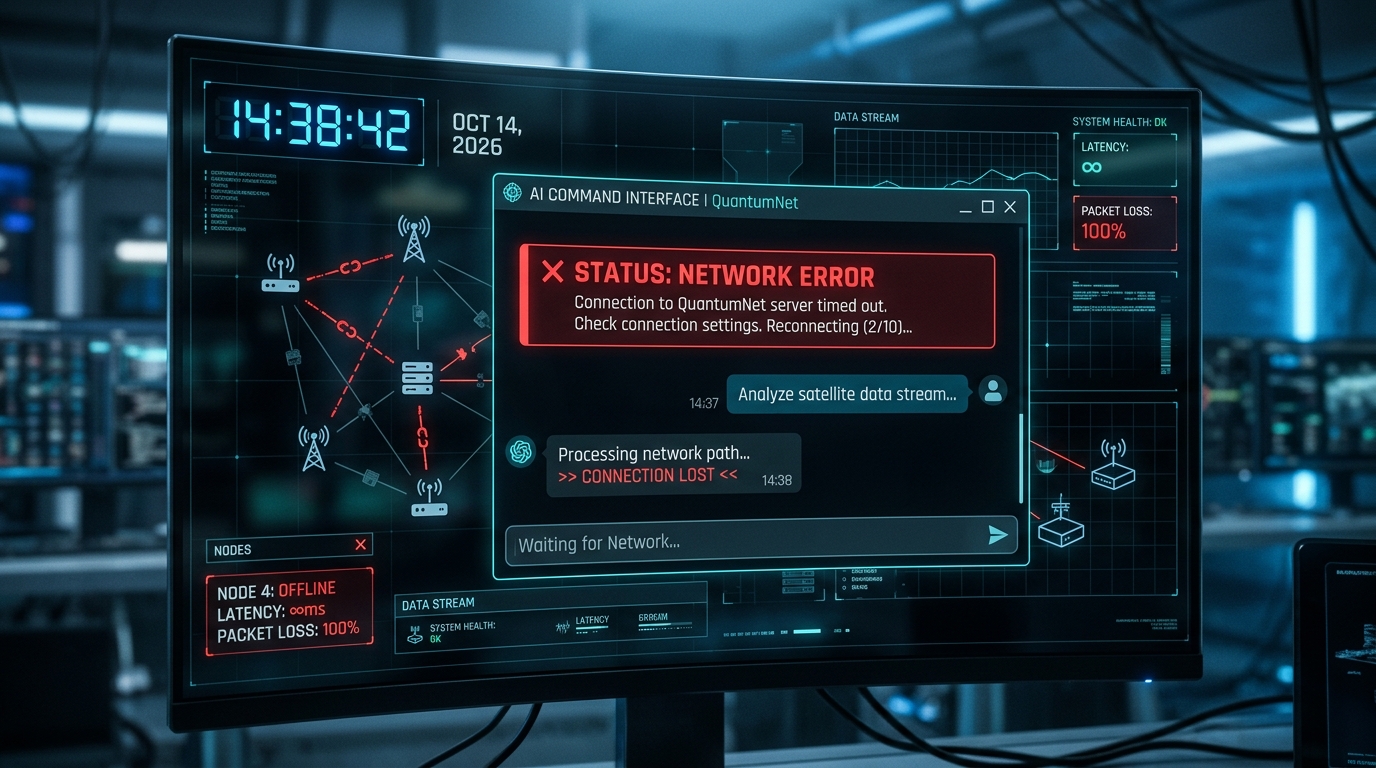
Network errors can mean anything from a local router hiccup to OpenAI's server outage.
2. Quick Checks (First 5 Minutes)
Check your internet connection.
Reload the page or restart the app.
Clear browser cache.
Try a different browser or device.
Disable VPN or proxy temporarily.
3. Advanced Troubleshooting
3.1. Verify OpenAI Status
OpenAI publishes real-time status at status.openai.com...
3.2. Test Connectivity with Curl
Run curl https://api.openai.com/v1/chat/completions to see if you can reach the API endpoint.
3.3. Check DNS Settings
Use nslookup api.openai.com or dig api.openai.com to confirm DNS resolution.
3.4. Firewall & Proxy Rules
Ensure ports 443 and 80 are open and OpenAI domains are whitelisted.
3.5. System Time & SSL
An outdated system clock can break TLS handshakes, causing network errors.
3.6. API Key & Rate Limits
Invalid keys or exceeding quota triggers errors; regenerate key if needed.
4. Fixes by Category
Local Network Issues: Reset router, move closer to Wi-Fi, or switch to Ethernet.
Browser Problems: Update browser, disable extensions, clear cache.
Firewall/Proxy: Add OpenAI domains to allow list.
API Misconfigurations: Regenerate key, check headers, and ensure correct usage.
5. When All Else Fails – Contact Support
Open a ticket at OpenAI Help Center with logs and a detailed description.