
WhatsApp Verification Code Not Received? Quick Fixes & Solutions
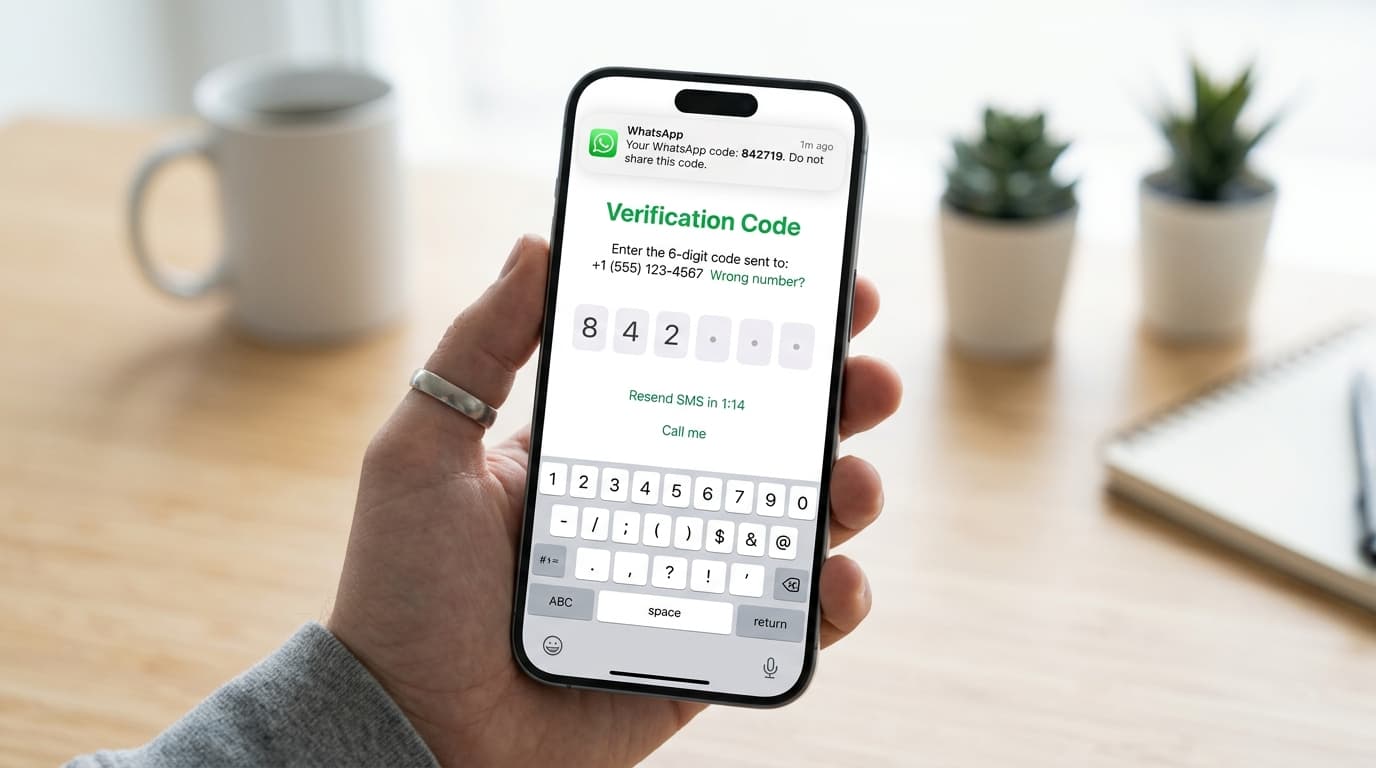
Why You Might Not Receive a WhatsApp Verification Code
Getting a verification code is the first step to activate your WhatsApp account. If the code never arrives, it can be frustrating. The problem usually stems from one of the following areas:
Weak or unstable network connection
Incorrect phone number or country code
Carrier restrictions or SMS filtering
SIM card issues (e.g., not activated, swapped, or damaged)
WhatsApp server outages or maintenance
Device settings that block SMS or notifications
Step‑by‑Step Troubleshooting Guide
Check Your Phone Number
Make sure you entered the correct number with the right country code. A single misplaced digit can prevent the code from reaching you.Verify Network Connectivity
Turn on Wi‑Fi or mobile data and ensure you have a stable signal. Try sending a test message to another contact.Restart Your Phone
Rebooting clears temporary glitches that may block SMS delivery.Enable SMS Permissions
Go to Settings > Apps > WhatsApp > Permissions and grant the SMS permission. Without it, WhatsApp cannot read the incoming code.Check for Carrier Restrictions
Some carriers block short codes used by WhatsApp. Contact your provider or switch to a different SIM card.Use the “Call Me” Option
When the “Send Code” button appears, tap “Call me”. WhatsApp will call you and read the verification code aloud.Clear WhatsApp Cache (Android only)
Settings > Apps > WhatsApp > Storage > Clear cache. This removes corrupted data that might interfere with SMS.Re‑install WhatsApp
Uninstall the app, download the latest version from the Play Store or App Store, and reinstall. A fresh install often fixes hidden bugs.Check for System Updates
Make sure your phone’s operating system is up to date. Outdated OS can cause compatibility issues.Wait and Retry
WhatsApp’s servers occasionally experience high traffic. Wait 5–10 minutes and try again.
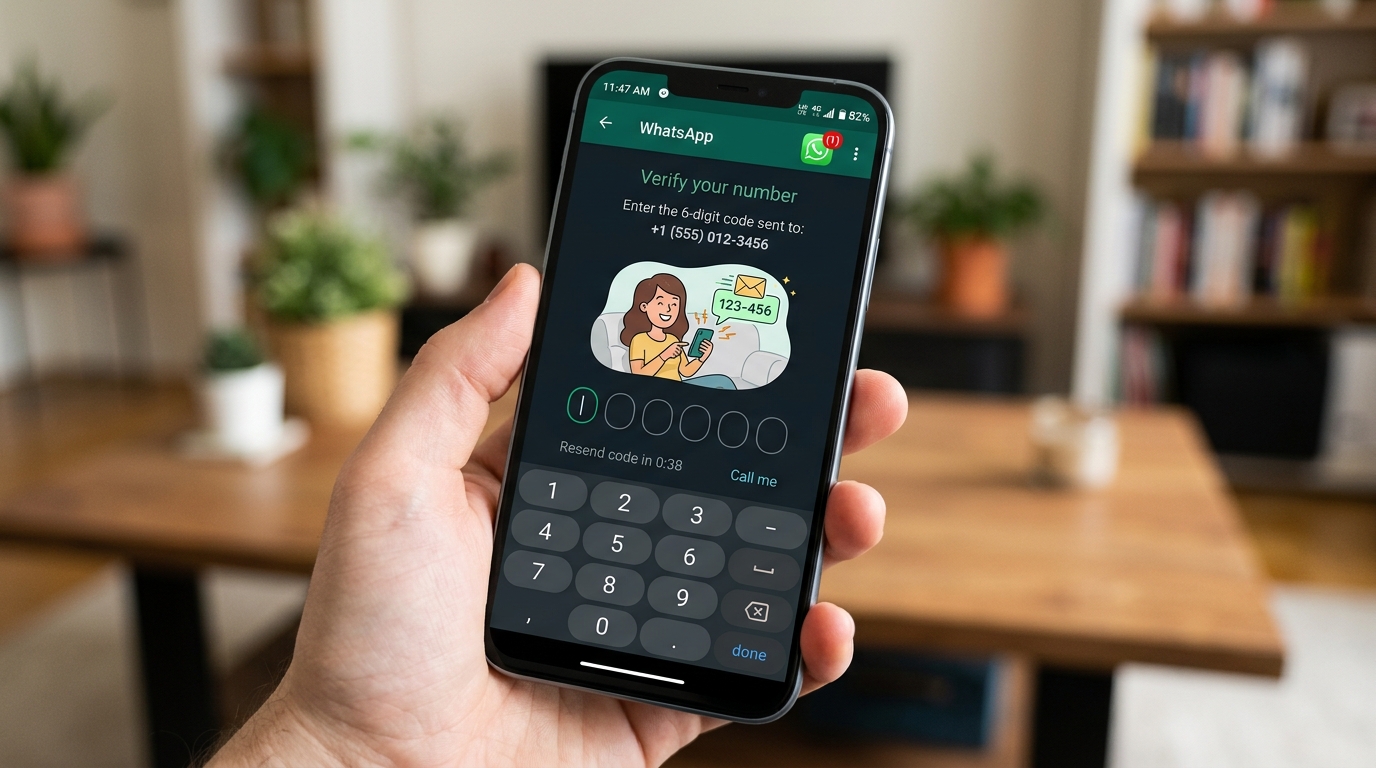
“If the code still doesn’t arrive after trying all the steps, it’s often a carrier or network issue that needs to be resolved by your mobile provider.”
Advanced Tips for Persistent Problems
Use a different phone number temporarily to confirm the issue is with the original number.
Check if your number is flagged for spam by WhatsApp; this can happen if you’ve recently used the number for multiple accounts.
Ensure your device’s date and time are set to automatic; incorrect timestamps can interfere with SMS delivery.
Contact WhatsApp Support via the app: Settings > Help > Contact Us, and describe the issue in detail.
Preventing Future Verification Issues
Once you’ve successfully verified your account, consider these best practices:
Keep your phone’s software updated.
Enable automatic date/time settings.
Keep your SIM card in good condition and avoid swapping it between devices frequently.
Use a reliable mobile plan that supports international short codes.
Regularly back up your WhatsApp chats to avoid losing data if you need to reinstall.
By following these steps, you should be able to recover from a missing verification code and keep your WhatsApp account running smoothly.