
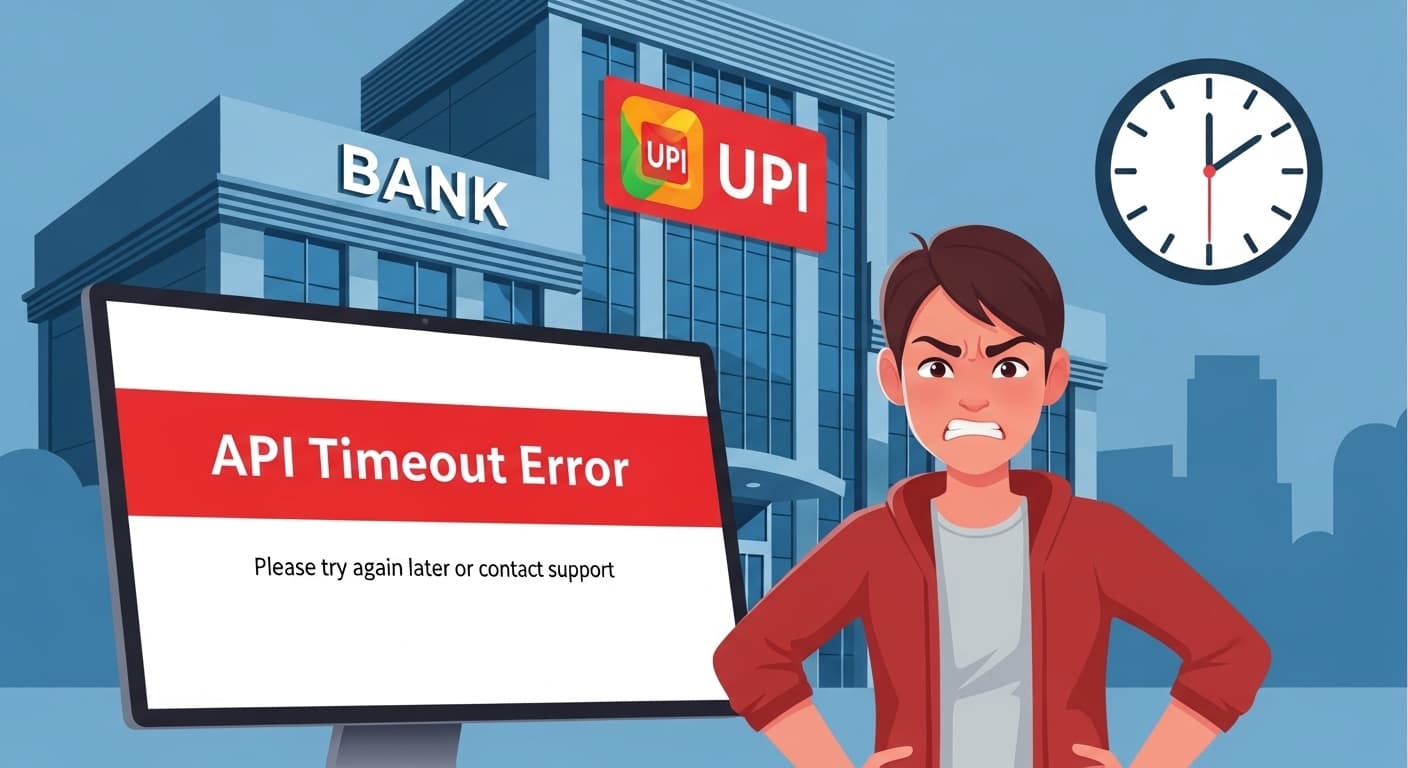
API Timeout Error
API Timeout Error: Banking UPI API Timeout
Quick Fix
Check your internet connection. Refresh the page. If the error persists, clear browser cache and try again. If still unresolved, contact support.
What it Means
The API Timeout Error means the server didn’t respond within the allotted time. The request was sent but no reply was received before the timeout threshold.
Possible Causes
- 1Slow internet or unstable network
- 2Server overload or maintenance
- 3Large payloads causing long processing times
- 4Incorrect API endpoint or timeout settings
How to Fix
Step-by-Step Solutions
- Check Internet Connection
Ensure your device is connected to a reliable network. Try opening other websites to confirm connectivity.
- Refresh or Retry Request
Sometimes the issue is temporary. Reload the page or resend the request after a short wait.
- Clear Browser Cache
Old cached data can interfere with API calls. Clear cache and cookies in your browser settings.
- Reduce Payload Size
Large data requests can delay responses. Trim unnecessary fields or split data into smaller chunks.
- Increase Client Timeout
Adjust the timeout setting in your API client or code to allow more time for a response.
curl --max-time 60 https://api.bank.com/upi - Check Server Status
Visit the bank’s status page or contact support to see if the API is under maintenance or experiencing issues.
Commands You Can Try
Technical Details
Related Errors
Still stuck?
Pro tips
- Use a wired connection for critical transactions
- Enable DNS over HTTPS for faster resolution
- Set exponential backoff for retry logic
If the timeout occurs consistently for all UPI transactions and you’ve verified your network, contact the bank’s technical support with the error details and timestamps.
If these solutions didn't help, try searching our database for similar issues.
Contact Support