
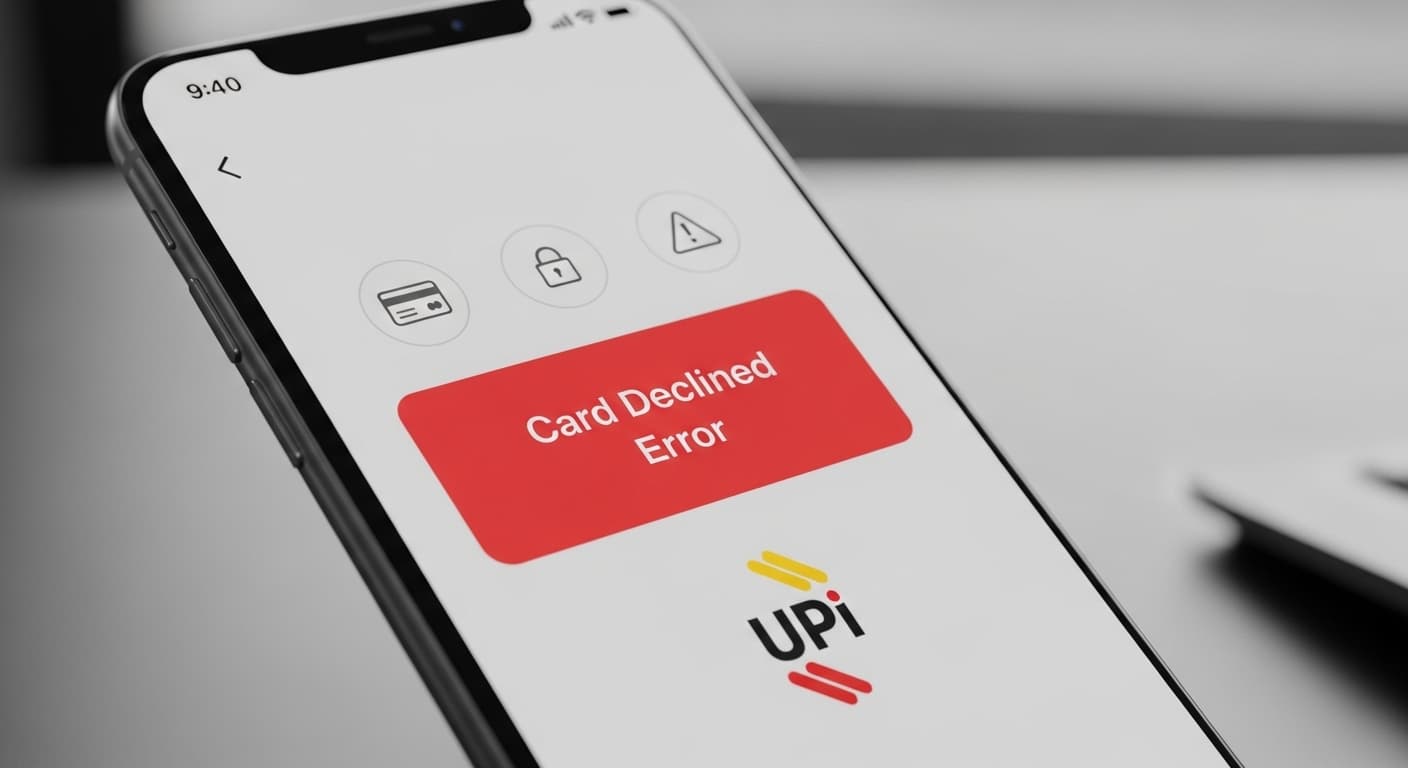
Card Declined Error
Card Declined Error: Why Your UPI Payment Was Rejected
Quick Fix
Open the UPI app, check your balance, and retry the transaction. If it still shows a Card Declined Error, try a different bank account or card.
What it Means
The Card Declined Error appears when the bank’s payment gateway rejects the transaction. It can be due to insufficient funds, incorrect card details, or security blocks.
Possible Causes
- 1Insufficient balance or credit limit
- 2Incorrect card number or expiry date
- 3Bank’s fraud detection flagged the transaction
- 4Network connectivity issues
- 5Expired or blocked card
- 6Incorrect UPI PIN
How to Fix
Step-by-Step Solutions
- Check Balance and Limits
Open your bank app or UPI app, view the account balance, and confirm you have enough funds or credit to cover the payment. A Card Declined Error often occurs when the balance is insufficient.
- Verify Card Details
Confirm the card number, expiry date, and CVV entered in the UPI app match the physical card. Mistyped details trigger a Card Declined Error.
- Restart the App
Close the UPI app completely, clear its cache from Settings > Apps > UPI, then relaunch. This clears temporary glitches that can cause a Card Declined Error.
- Check Network Connection
Switch between Wi‑Fi and mobile data to rule out connectivity problems. A weak connection can lead to transaction failures and a Card Declined Error.
- Contact Your Bank
If the error persists, call your bank’s customer service. They can check if the card is blocked, expired, or flagged for fraud, which causes a Card Declined Error.
Technical Details
Related Errors
Still stuck?
Pro tips
- Use the UPI app’s ‘Transaction History’ to see if the declined payment appears as pending; cancel it if necessary.
- Enable two‑factor authentication for added security and smoother transactions.
Reach out to your bank’s support if you see a Card Declined Error repeatedly, suspect fraud, or if the app shows a persistent error after trying all troubleshooting steps.
If these solutions didn't help, try searching our database for similar issues.
Contact Support