
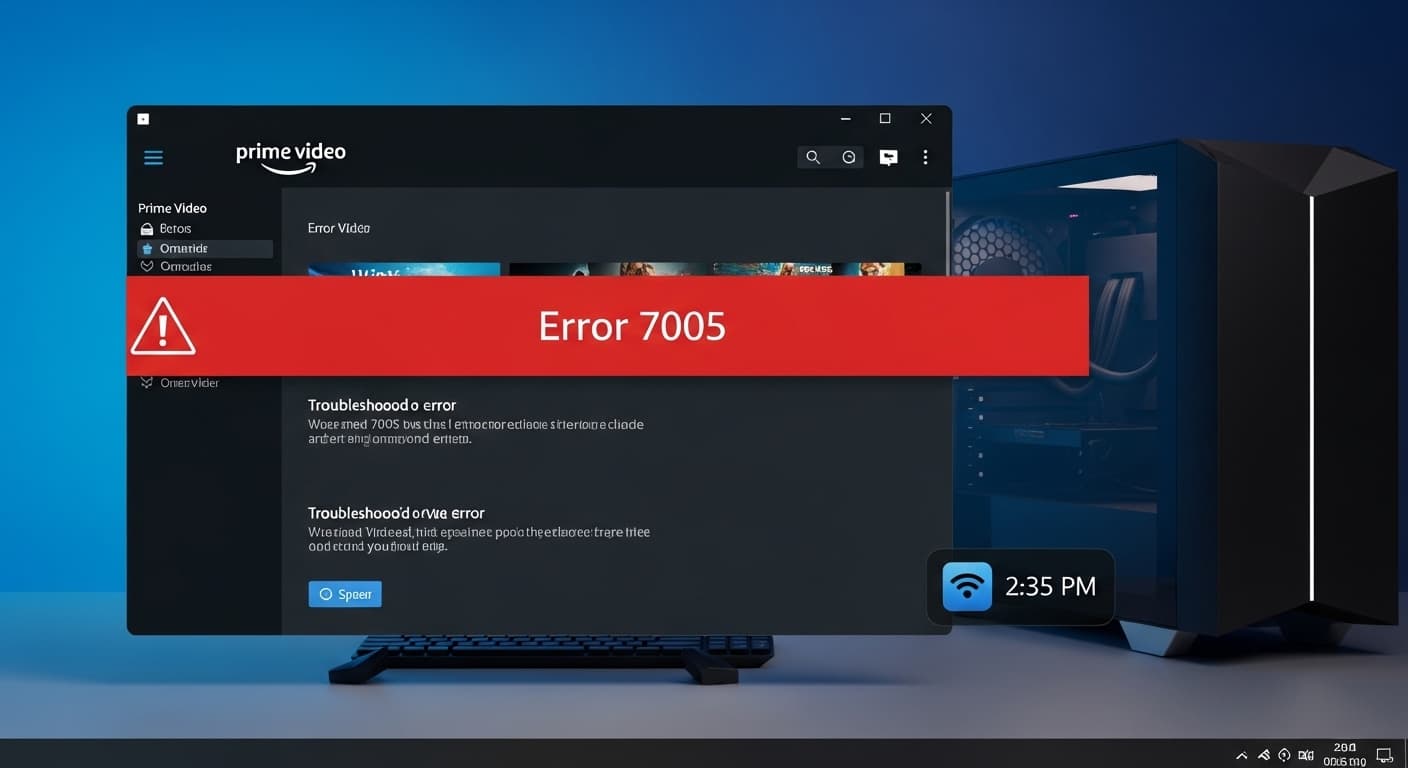
7005
Error 7005: Windows Prime Video Streaming Failure
Quick Fix
1. Restart your PC. 2. Clear Prime Video cache. 3. Update Windows and Prime Video app. 4. Reinstall the app if needed.
What it Means
The Windows Prime Video 7005 error appears when the app can’t connect to the streaming service or the local playback environment is corrupted. It usually shows a red banner with “Error 7005” and stops video playback.
Possible Causes
- 1Network connectivity issues or firewall blocks
- 2Outdated Prime Video app or Windows OS
- 3Corrupted local cache or configuration files
- 4Incorrect system time or date
How to Fix
Step-by-Step Solutions
- Restart Your PC
A quick reboot clears temporary files and resets network adapters, often fixing transient errors.
- Clear Prime Video Cache
Navigate to %localappdata%\Amazon\Prime Video\Cache and delete all files to force the app to rebuild its cache.
del /f /q %localappdata%\Amazon\Prime Video\Cache\* - Update Windows
Open Settings → Windows Update and install all pending updates to ensure compatibility.
- Update Prime Video App
Open Microsoft Store, go to Downloads & updates, and update Prime Video.
- Check Firewall/Antivirus
Make sure Prime Video is allowed through Windows Firewall and not blocked by antivirus software.
- Reinstall Prime Video
Uninstall the app, reboot, then reinstall from Microsoft Store to reset all app files.
powershell -Command "Get-AppxPackage *PrimeVideo* | Remove-AppxPackage"
Commands You Can Try
Technical Details
Related Errors
Still stuck?
Pro tips
- Use a wired connection if Wi‑Fi is unstable
- Set your PC’s date and time to automatic
- Keep the app in the foreground to avoid background restrictions
Contact Amazon Prime Video support if the error persists after reinstalling and updating, or if you see additional error codes like 7010.
If these solutions didn't help, try searching our database for similar issues.
Contact Support